Visual impressions linger longer than the spoken word. A thousand spoken words are not worth one clear seeing.
An audience remembers about 20% of what they hear and about 80% of what they see. That’s why you should use visuals if you want your presentations to be remembered.
A handful of tips to improve your message recall
*Check the venue
Check the blackout facilities.
Check the equipment you will be using to make sure it is compatible with your machine.
Make sure you have the right plugs and cords and power points.
*Keep your messages simple
If you are using images, don’t use too many. Show only the best – leave out the rest.
Each visual should have a single message. Make it bold with no distractions. Don’t use complicated charts that are hard to read.
Explain the visual when you first project it and remove it as soon as you finish discussing it.
A good projected photo can do a lot of talking for you, especially if you are setting a scene.
Complex messages such as detailed graphs and large lists of figures should be given out as handouts and not projected.
*All the audience must be able to see your message
Many presentations are ruined by people not being able to see the visual or to read your message clearly.
Check the seating arrangements and the size, height and location of the screen.
When preparing visuals for projecting, pay special attention to the text – the amount, the size and the colour combinations.
Use primary bold contrasting colours so your message can be seen easily. (About 8% of men are colour blind so be aware of red/green problems.) Use combinations such as black or dark blue lettering on a white or yellow background. Don’t use pastel colours.
Don’t clutter your visuals. Keep your message bold with no distractions. Avoid using fancy, distracting visuals with messages flying in and out.
Keep your message simple to reinforce your spoken message.
Allow sufficient time for the audience to study each visual.
*Don’t talk to the screen
Don’t read your visuals.
Talk to your audience, not to your visuals.
Try not to lose eye contact with the audience.
A shaking laser pointer tends to distract.
*Have a ‘dry run’
If possible, check the equipment for compatibility and check your images for clear viewing before your presentation. There is nothing worse than setting up during your talking time and finding you have an equipment failure.
Prepare a backup plan just in case you have a problem. It often happens.
Distribute your handouts when you have finished your presentation but give a copy to the chairperson and any reporters before you start. Always tell your audience at the start of your presentation if you are giving out handouts.
Never forget you are the main visual aid so dress well, smile and chat with your audience – don’t lecture!
–Geoffrey Moss (mossassociates.co.nz)
“Showing is more effective than telling.”
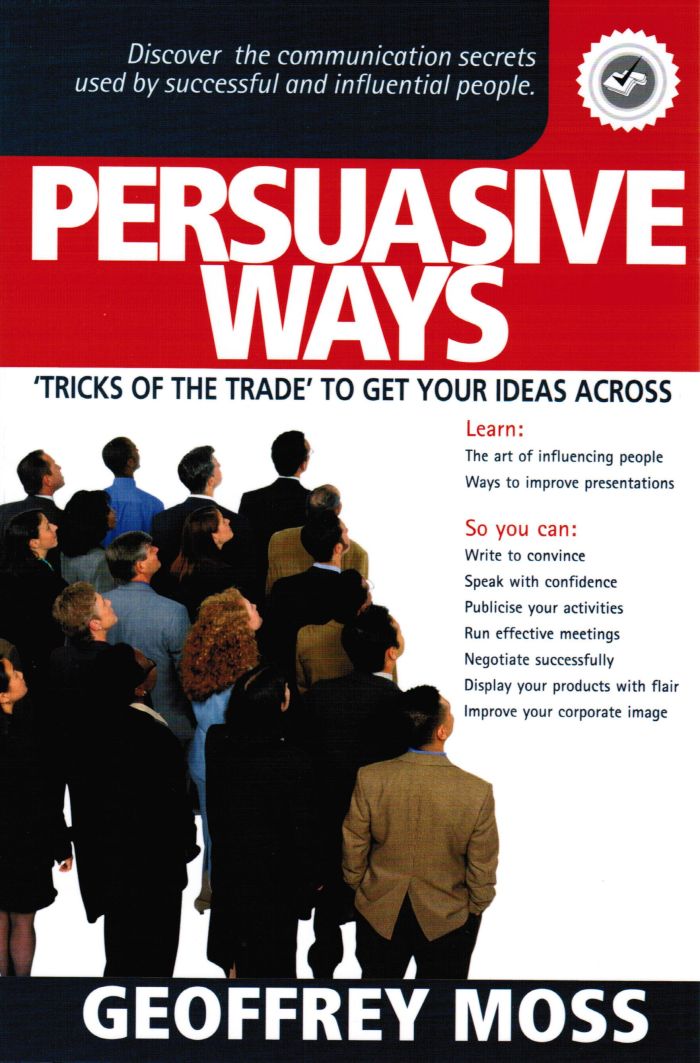
Source: “Persuasive Ways. ‘Tricks of the trade’ to get your ideas across”. First published by Moss Associates Ltd., New Zealand and in Chinese by the Shanghai People’s Publishing House, the Singapore Institute of Management, Kogan Page Ltd, U.K and Hungarian by Bagolyvar Konyvkiado. Also published as the “Secrets of Persuasion” by Cengage Learning Asia and as an e-book and sold by Amazon.com.
 Another Handful of Tips